
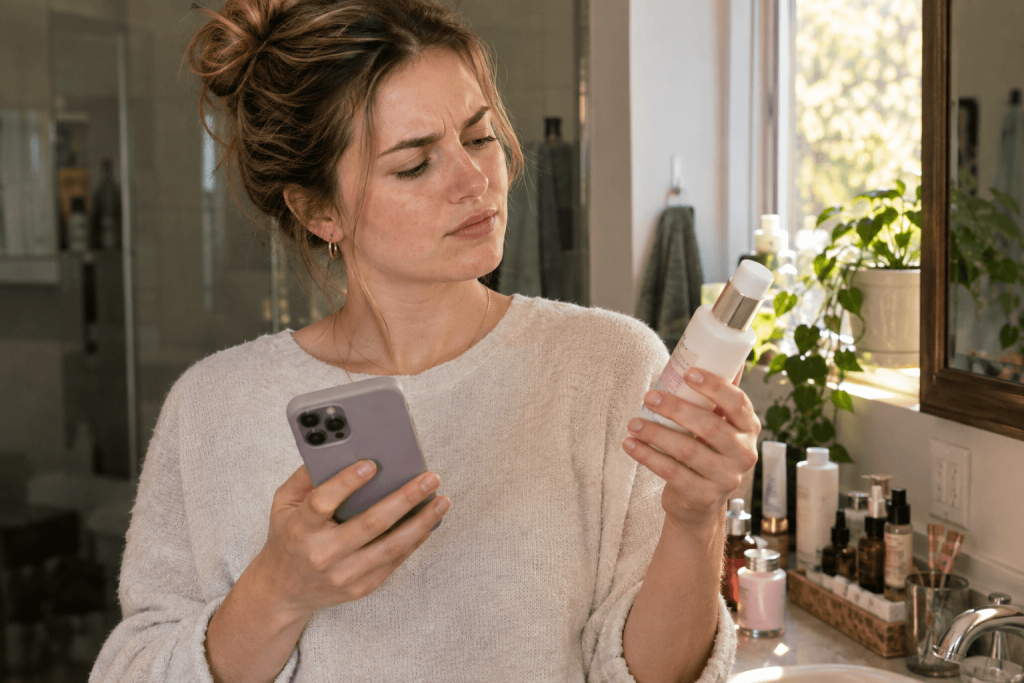
pore clogging checker app setup is the fastest way to start using ReadLabel when you want to know if a product may clog pores. Open the app, allow the scan permissions you need, and check your first label in a few taps.
Set up ReadLabel for your first scan
The setup is simple. You install ReadLabel, grant camera access for scanning, and get ready to check ingredient lists from a photo or upload.
Use this quick start flow:
- Open ReadLabel on your phone.
- Allow camera access when prompted.
- Choose photo scan or upload if you already have a label image.
- Point the camera at the INCI ingredient list or select the saved image.
- Review the result screen and save the product if you want to compare later.
This workflow is built for acne-prone and congestion-prone users who want an answer now, not a long search.
How to check a product label with the camera or upload
You do not need to decode the label manually. ReadLabel reads the ingredient list from a photo and flags pore-clogging risk in plain language.
A good first scan looks like this:
- Find the full ingredient panel on the package.
- Make sure the text is clear and well lit.
- Hold the camera steady until the list is captured.
- Or upload a saved photo if you already took one in-store.
This is more convenient than typing ingredients or searching each term one by one. It also works on products that are not in a database.
What the result screen shows after your first scan
The result screen tells you whether a formula looks pore-clogging or more acne safe at a glance. It gives you a simple read on the formula so you can decide what to do next.
You can expect the screen to show:
- The extracted ingredient list from the photo
- A clear risk summary for comedogenic ingredients
- Supporting flags for additives or preservatives when relevant
- A simple next step, like save, compare, or scan another product
That makes it easier to answer the real shopper question: “will this clog my pores?”
Who this checker app is for
ReadLabel is for anyone who wants to avoid breakouts from skincare or cosmetics without spending time on manual ingredient lookup. It is especially useful for acne-prone and congestion-prone shoppers.
It helps if you:
- Break out easily from new products
- Want a non-comedogenic or sensitive-skin-friendly formula
- Shop from labels and want a fast ingredient checker app
- Prefer scanning on mobile instead of copying ingredients into a website
- Want a quick way to test products before you buy them
If your main goal is to check whether a product may clog pores, this is the right workflow to start with. For the broader checker page, see the pore clogging ingredients checker.
Why ReadLabel is built for mobile-first scanning
The app is designed for people who shop on their phone and want an immediate result. You can scan, review, and save from the same device without switching tools.
That mobile workflow matters because it lets you:
- Check a bottle in-store before buying
- Re-scan a new formula after a reformulation
- Keep a history of products you already reviewed
- Sync your scans across devices
If you want a photo ingredient scanner that feels quick in real shopping moments, this is the setup to use.
How ReadLabel handles ingredient data and updates
Trust matters when you are deciding whether something is acne safe. ReadLabel uses ingredient-based analysis on the actual label, so it can check formulas even when a product is not in a barcode database.
The app also keeps its ingredient data organized so the result stays useful after updates. That matters because shoppers need a tool that is transparent, current, and easy to re-check later.
What to do if the result looks mixed
Some products show mixed results because formulas are complex. A product may have a few ingredients that look risky and still include other parts that are less concerning.
When that happens, use this approach:
- Re-scan the label if the photo was blurry
- Check whether the product has a newer formula
- Save the item and compare it with a safer option
- Scan your next candidate before committing to it
This is one reason a scanner is more practical than manual ingredient lookup. You get a fast first pass and a clear next step.
Pore-clogging checks vs fungal-acne checks
A pore clogging checker app is built to flag ingredients linked to clogged pores and breakouts. A fungal-acne checker focuses on a different set of trigger rules.
If you are mainly trying to avoid congestion, clogged pores, and surprise breakouts, use the pore-clogging workflow first. If you also care about fungal-acne screening, keep that as a separate check so you do not mix the two signals.
No-login feel and fast first-use flow
The best setup is the one that gets you scanning immediately. ReadLabel is built to reduce friction so you can go from install to first result quickly.
That means you can usually move through:
- Open the app
- Allow camera access
- Scan a label photo
- Read the result
- Save it for later
If you are trying to start using an ingredient scan app setup without a learning curve, this is the simplest path.
FAQ
What does a pore-clogging checker app do?
A pore-clogging checker app scans a product ingredient list and highlights formulas that may be more likely to clog pores. It helps acne-prone shoppers make a faster buying decision.
How do I set up the checker app?
Install ReadLabel, allow camera access, and scan an ingredient label photo or upload one from your phone. Then review the result screen and save the product if you want to compare it later.
Can I scan a product label instead of typing ingredients?
Yes. ReadLabel is designed to read ingredient lists from a photo, so you can use the camera or upload an existing image.
What does the result screen show?
The result screen shows the extracted ingredients, a pore-clogging risk summary, and helpful flags that make the formula easier to judge quickly.
Is this app only for acne-prone users?
No, but it is built for acne-prone and congestion-prone users first. It is also useful for anyone who wants a non-comedogenic or more sensitive skin friendly product check.
Why do some products show mixed results?
Some formulas contain both lower-risk and higher-risk ingredients, so the app may show a mixed signal. In that case, re-scan the label, check the formula carefully, and compare it with another option.
Does the app work on mobile?
Yes. ReadLabel is mobile-first, so you can scan labels, review results, and save products directly on your phone.
Is there a free trial?
Yes. ReadLabel includes a 3-day free trial, which makes it easy to start scanning and see how the app fits your routine.